Phedra for Chrome NEW
Hover any photo or video on the web and choose Ask Phedra. Edit it right there, with the same account and the same credits.
Add to Chrome ↗Drop in a photo or a video and say what you want, in your own words. Phedra works out the steps, picks the right model for each one, and shows you the plan before anything runs.
Code LAUNCH99 takes your first year of Pro from $150 to $99.
The sales video goes here.
NewPhedra for ChromeRemake an ad with your productJoin clips into oneVertical, nobody cut offFix one shot, leave the restThe Community library
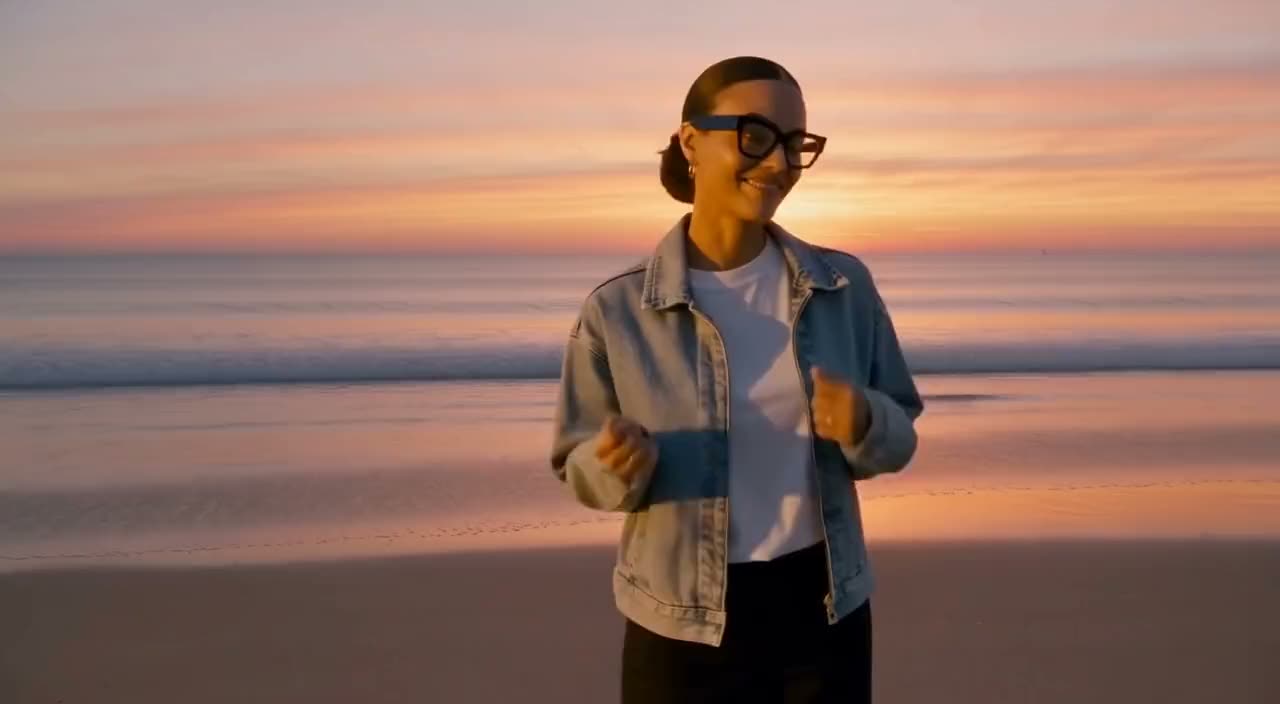
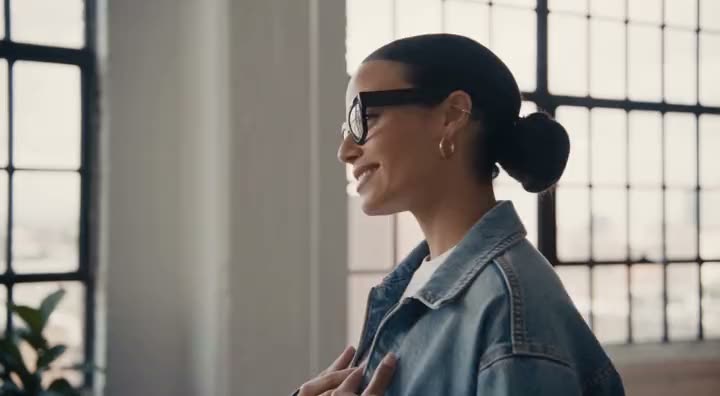
The same clip, changed three ways in Phedra's chat. Her voice, her words and the way she moves stay exactly as they were.
Every example here is a real result from the ask under it. Switch between Before and After to compare.
Phedra listens to every word, so it can cut what you didn't mean to keep and caption what you did.
New light, a new season or a new style, with the same person and the same moves. Or change one shot and leave the rest of the video alone.
Put the scene somewhere new, put someone else in the same moves, take out the background, or lift a product clean off its photo.
The shots you never filmed. A photo becomes a clip, the camera moves through a shot you already have, and the same moment plays from a new angle.
You don't pick models or learn tools. Phedra sends each step to the model that does it best, and the plan tells you which.
 Original
This is what I would do. Nothing runs until you approve it.
The plan lists each step and its model. Approve all of it, one step, or none.
A new result never replaces the old one, so a bad idea costs one click back.
If a step can't be made, you aren't charged for it.
Switch to Auto and plans you can afford run on their own.
Phedra also works on the page you're looking at, remakes ads with your product, joins your clips into one, and comes with a library of photos to start from.
Hover any photo or video on the web and choose Ask Phedra. Edit it right there, with the same account and the same credits.
Add to Chrome ↗Found an ad that works? Phedra follows its shots, timing and camera, and puts your product in it. Nothing of the original's brand or people comes along.
Tick your clips, put them in order and trim the ends. Phedra joins them into one video, ready for the next ask.
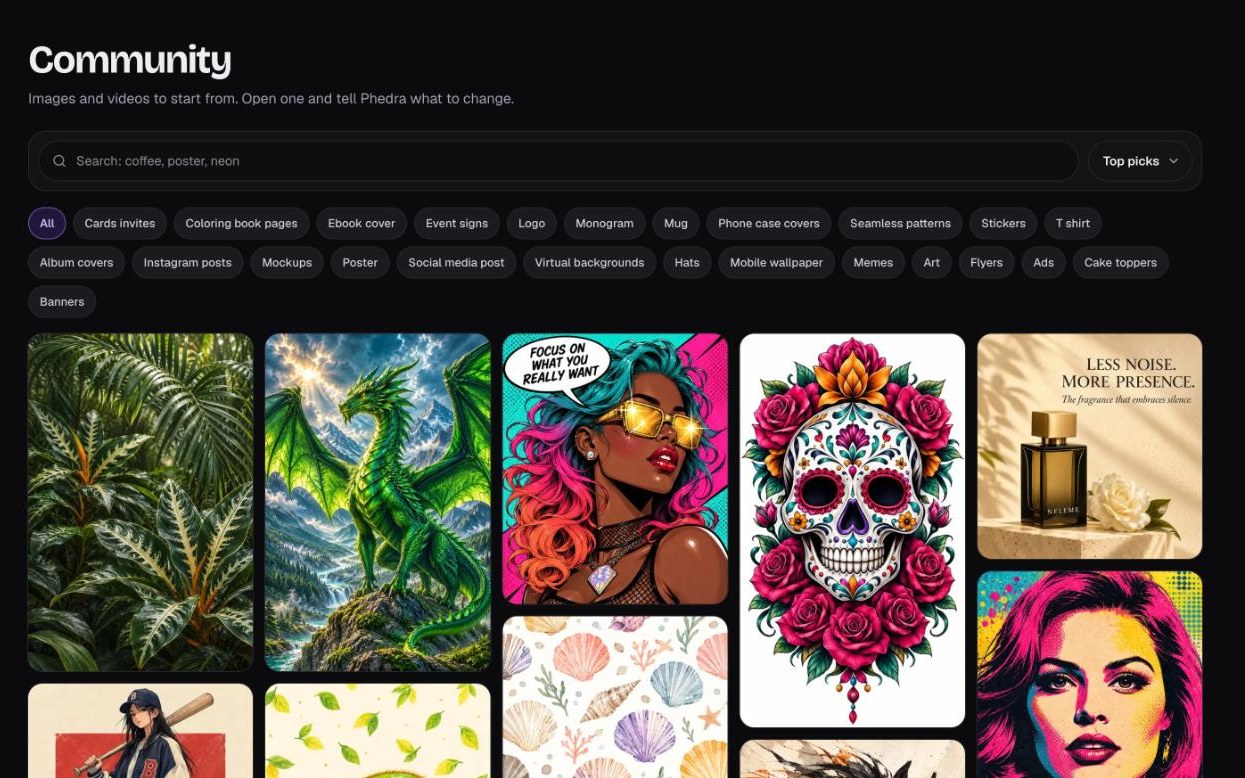
A library of ready-made photos to start from, sorted by kind. Pick one, open it in the editor and say what to change.
Clean up your takes, caption them and cut them vertical, without opening an editor.
Turn the photos you already have into clips worth posting.
Lift products off their photos and put them into ads that already work.
Talking videos fixed fast: pauses out, captions in, a stronger opening.
Demos reframed to 9:16 with nobody cut off, and a hook in front.
The checkout link isn't set yet.
Topped back up each month on Pro. Every plan shows its steps before it runs, and a step that fails costs nothing. Need more before the month is out? Add them in Plans and credits; those never expire.

Sign in with the same Google account and it uses the same plan and credits, on any page you're looking at.
Edit your own photos and videos with it for a month. If Phedra isn't right for you, email support within 30 days of buying and you'll get your money back.
Something else? Email support@synthesys.io and a person will answer.
No. You drop in a photo or a video and say what you want in plain words. Phedra runs in your browser, so there's nothing to install.
Photos and videos you upload from your phone or computer. With Phedra for Chrome, also any photo or video on a web page you're looking at.
Each step is planned to change only what you asked for. Every version is kept, so if a result isn't right you go back with one click and ask again.
Sign in to Phedra with Google or with a code sent to your email. Open Plans and credits, pick Pro and Yearly, and enter LAUNCH99 at checkout. Pro starts as soon as you pay.
Yes. With the launch code, your first year of Pro, with 2,000 credits every month, is $99 instead of $150. It's billed yearly until you cancel. Extra credit packs are only if you want them.
Credits are what Phedra's steps run on. Every plan is shown to you before anything runs, and a step that fails costs nothing.
Your balance tops back up to 2,000 every month. If you need more before then, you can add more in Plans and credits, and those never expire.
Yes, any time, from Manage billing in your plan settings, and you won't be billed again. Within the first 30 days you can also ask for your money back.
Yes. Sign in with the same Google account and it uses the same plan and credits. Get it from the Chrome Web Store.
No. If you have a paid, active subscription, Pro in the new Phedra is already included in it, at no extra cost. Sign in with the email address on that subscription, with Google or a code sent to it, and your account is on Pro.
Your old app keeps working and you keep paying what you pay today. Pro here lasts as long as that subscription does. The new Phedra has no unlimited option, so an Unlimited plan gets Pro here, with 2,000 credits every month.
Signed in and still on the free plan? Email support@synthesys.io from the address you pay with.
Use the code LAUNCH99 at checkout. 30-day money-back guarantee.